Physical Address
304 North Cardinal St.
Dorchester Center, MA 02124
Physical Address
304 North Cardinal St.
Dorchester Center, MA 02124

🚀 Quick Verdict: Is your Midjourney prompt compatible with Flux.1?
--s 750 will yield zero results in Flux.--cref and --ar into Flux-native logic instantly.For Midjourney veterans, migrating to Flux.1 can feel like learning to drive in a different country. While Midjourney relies on a “shorthand” language of parameters like --s, --c, and --v (as detailed in the official Midjourney parameter list), Flux.1 is architected to understand intent through descriptive prose.
Technical behavior in Flux.1 can vary depending on the model version (Dev / Pro), the UI layer (ComfyUI, Replicate, custom pipelines), and the sampler or scheduler in use. Statements in this article describe common production patterns, not rigid guarantees.
--ar
flag.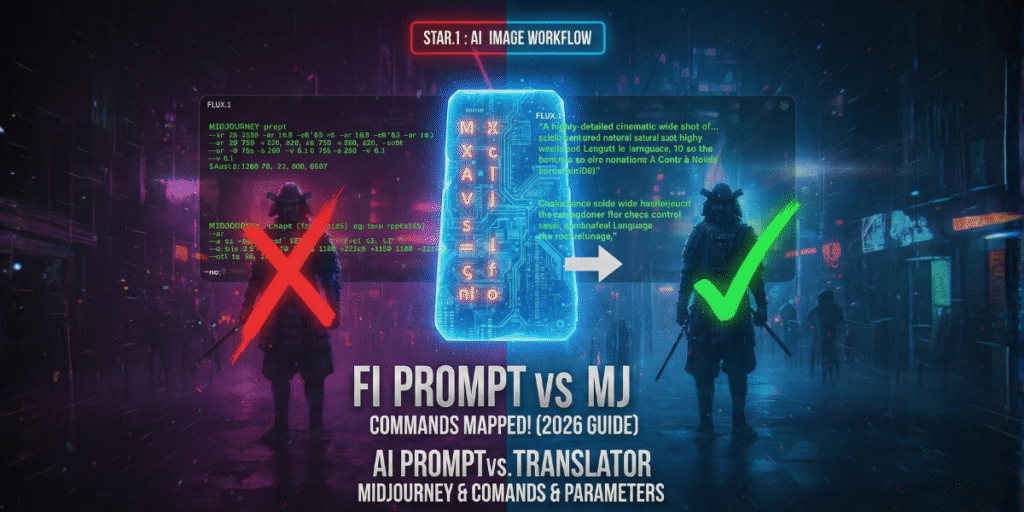
Comparison of command architecture between Midjourney v6.1 and Flux.1 Dev/Pro models.
If you are looking for side-by-side aesthetic results instead of technical commands, see our Midjourney v7 vs. Flux.1 Visual Benchmark.
The biggest barrier for users migrating from Midjourney is abandoning “voodoo tags” (excessive weights and random commas) in favor of a semantic structure. While Midjourney v6.1 still interprets keyword lists well, Flux.1 Dev/Pro shines when given instructions that read like a cinematic scene description from a screenplay.
❌ Midjourney Style (Shorthand)
“Cyberpunk samurai, neon lights, 8k, cinematic lighting, ultra detailed
–ar 16:9 –s 750 –v 6.1″
✅ Flux.1 Style (Natural Language)
“A cinematic wide shot of a futuristic samurai standing in a rainy Tokyo street. The scene is lit by flickering pink and blue neon signs reflecting on the wet pavement, with high detail on the armor textures.”
The --stylize parameter in Midjourney controls how “artistic” the model should be, often allowing it to drift away from the original prompt in favor of visual aesthetics. In Flux.1, there is no global “style” knob. Instead, control is achieved through the Guidance Scale:
--s 750+ in Midjourney, but with a higher risk of losing prompt details.--style raw.
💡 Why doesn’t Flux.1 support --ar natively?
Unlike Midjourney, which resizes images after generation (or uses predefined buckets), Flux.1 is trained using Flow Matching. According to the original Flux.1 architecture announcement, this means it generates the image directly at the final resolution (e.g., 1024×768). To “emulate” --ar, you must define the exact pixel dimensions in your interface (ComfyUI or Replicate). Using unsupported aspect ratios can cause object duplication or anatomical distortion.
Choosing between Flux.1 and Midjourney is no longer about which is ‘better’—it’s about which model integrates seamlessly into your specific production pipeline. In 2026, model specialization has become the standard for agencies and professional creators.
Choose Midjourney v6.1/v7 if:
--stylize.--cref is non-negotiable for your project.Choose Flux.1 if:
No. These are model version flags specific to Midjourney’s architecture. Flux.1 is a separate model family (Black Forest Labs) and does not recognize Midjourney-specific versioning parameters.
To replicate the high-aesthetic of Midjourney, use Guidance Scale 2.0 – 3.0 and add descriptive artistic modifiers like “cinematic lighting, film grain, hyper-realistic textures” to your Flux prompt, as it won’t add these “beautifications” automatically like Midjourney does.
Not natively via a simple flag. While Midjourney has the --tile command, Flux.1 requires specific LoRAs or tiled-diffusion settings within ComfyUI or Forge to generate seamless textures.
Because Flux.1 prioritizes semantic alignment over aesthetic interpolation. Midjourney injects stylistic bias automatically, even when prompts are vague. Flux.1 expects intent to be explicit. This makes prompts feel stricter, but it also enables more predictable composition, text accuracy, and multi-subject control once the prompt is well structured.
Partially. Conceptual ideas translate well, but shorthand-heavy prompts rarely perform optimally. The most effective approach is to treat Midjourney prompts as idea scaffolding, then rewrite them into descriptive, scene-based language for Flux.1. Prompts that describe spatial relationships, lighting logic, and subject intent consistently outperform keyword stacks.
Running a heavy AI workflow? Don’t let rate limits stop your creative momentum. Read our guide on Claude Pro vs. Max to optimize your agentic coding and prompt engineering sessions.
