Physical Address
304 North Cardinal St.
Dorchester Center, MA 02124
Physical Address
304 North Cardinal St.
Dorchester Center, MA 02124

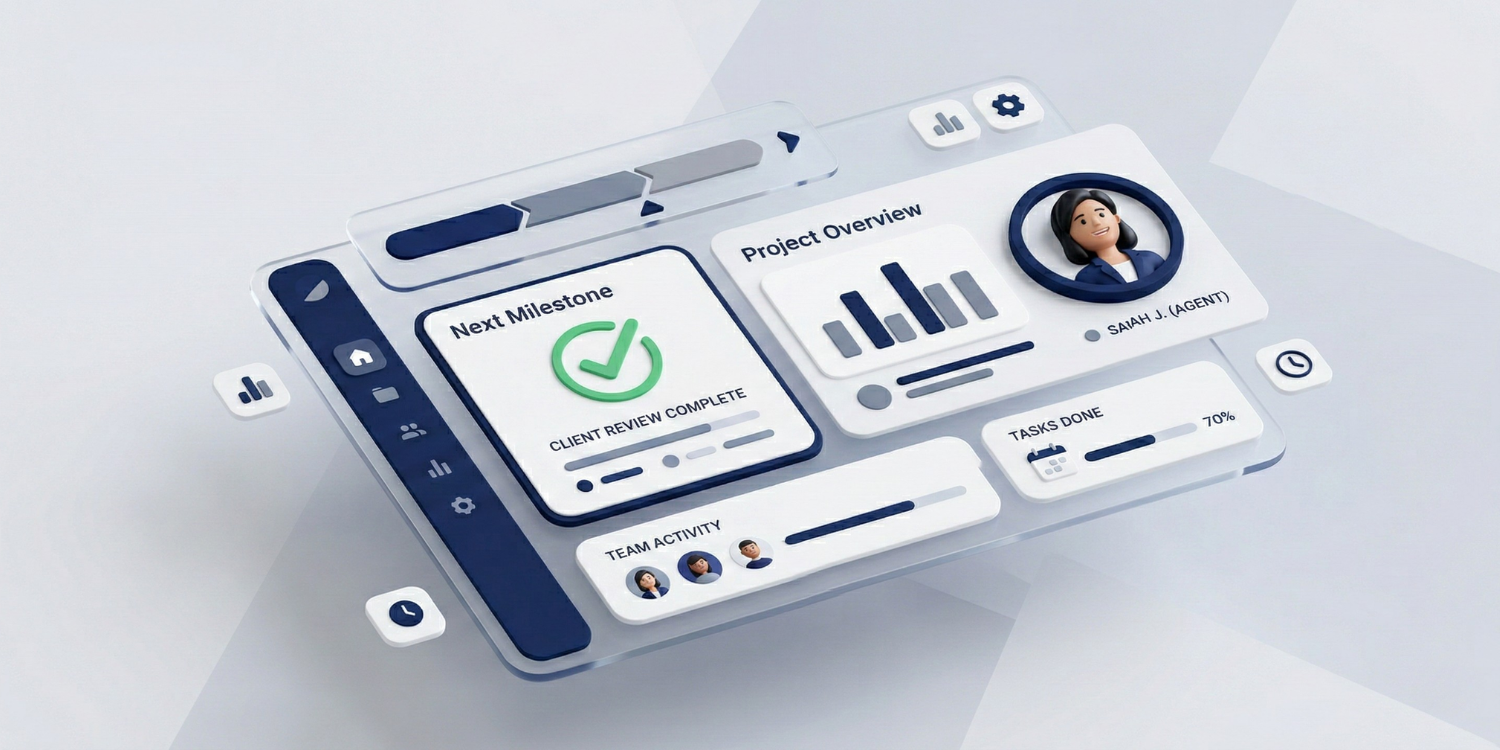
Most small agency owners have tried building a project dashboard at some point. They set up a ClickUp overview, a Notion table, maybe a Google Sheets tracker with color-coded cells. Then, three weeks later, it’s half-populated, nobody’s updating it, and status check-ins are back to happening over Slack.
The failure isn’t laziness. It’s scope. Most agencies build dashboards designed for teams of 30, populated with metrics that require dedicated ops staff to maintain. For a 3–5 person agency, that level of complexity doesn’t produce visibility — it produces overhead.
A useful project dashboard for a small agency tracks exactly five things, takes under 10 minutes per week to maintain, and answers one question in 30 seconds: is every active client project on track right now?
This article covers what those five things are, which tool to build the dashboard in, and — critically — which metrics look useful but are actually noise for a team your size.
What a project dashboard is for a small agency: A project dashboard is a single-view summary of every active client project’s current status, next milestone, owner, and health signal. For agencies under 10 people, an effective dashboard replaces the informal “where are we on X?” check-in — it makes project status visible without requiring a meeting or a Slack thread. The goal is not comprehensive reporting. It is instant situational awareness: one glance, 30 seconds, and you know which projects are on track, which need attention, and which are at risk of missing a deadline.
The instinct when building a dashboard is to track everything that seems important. Utilization rates. Budget burn. Hours logged. Milestone completion percentages. Client satisfaction scores. Scope creep flags.
Each metric looks useful in isolation. Together, they produce a dashboard nobody opens voluntarily because interpreting it takes longer than just asking someone directly.
The fix isn’t a better tool. It’s a stricter definition of what the dashboard is for. A small agency project dashboard has one job: give the owner and account leads enough visibility to catch problems before clients do. That requires five data points per project — nothing more.
Strip away everything optional and a small agency project dashboard comes down to five fields per project. If all five are current and accurate, you have full situational awareness. If any one is missing or stale, you have a blind spot.
1. Project status — a single-word or color-coded health signal: On Track, At Risk, or Blocked. Not a paragraph. Not a percentage. One of three states, updated by the account lead at least once per week. This is the field that makes the dashboard worth opening.
2. Next milestone — the single next deliverable or decision point, with its due date. Not a full project timeline. Just: what’s the next thing that has to happen, and when. If your project has 12 upcoming tasks, only the next one belongs on the dashboard.
3. Owner — who is responsible for the current stage. On small teams this is often obvious, but making it explicit on the dashboard removes the ambiguity that causes tasks to slip through gaps between people.
4. Last client contact date — when did someone on your team last communicate directly with this client? This field surfaces a neglect risk that no other metric catches. A project that’s technically On Track but hasn’t had client contact in 12 days is silently drifting toward a “we haven’t heard from you” email.
5. Next client-facing date — the next scheduled touchpoint, check-in, or deliverable the client is expecting. This creates forward accountability: the dashboard doesn’t just show where you are, it shows what the client is expecting next.
This is where most dashboard guides won’t go — recommending what not to track. While industry guides often list dozens of standard agency KPIs and metrics, for a small agency, these metrics create more maintenance burden than insight at your scale.
Billable utilization rate — useful once you have 8+ team members and a resource planning problem. For a 3-person agency, you already know intuitively who is overloaded. A utilization dashboard doesn’t change what you can do about it.
Budget burn percentage — valuable if you’re running fixed-fee projects with complex cost structures. For most small agency retainers and service packages, the risk isn’t budget overrun — it’s scope creep that never gets priced. Track scope formally in your project file instead.
Task completion percentage — feels like progress measurement. Usually measures activity, not progress. A project can be 80% of tasks complete and still miss its deadline if the remaining 20% includes the hardest work. The “next milestone” field on your dashboard is a better signal.
Client NPS or satisfaction scores — meaningful at scale, impractical to collect and track consistently for a 5–8 client roster. You’ll know client sentiment from direct communication long before a score reflects it.
The discipline to ignore these metrics is what keeps your dashboard maintainable by a 3-person team without a dedicated ops role.
You don’t need a dedicated dashboard tool. The right choice depends on where your project work already lives.
Honest take: If you’re already using ClickUp or Notion for project management, build the dashboard inside the same tool — don’t create a separate reporting layer. Maintaining two systems is where accuracy goes to die. If you’re not on a PM tool yet, a Google Sheet with the five fields above is a functional starting point that takes 20 minutes to build.
For the broader context of how the dashboard fits into your full project management stack, see the agency operations lean stack.
Most agencies need two versions of a project dashboard — one for internal use and one to share with clients. They serve different audiences and carry different information.
This is your operational view. It contains all five fields plus any internal notes the team needs — risk flags, dependency blockers, internal deadlines that precede client-facing ones. Only your team sees this.
It lives inside ClickUp or Notion, updated every Monday. The owner uses it to run the weekly project review in under 30 minutes across all active clients.
This is a simplified, always-current view that the client can check without emailing you. It shows three things only: current project status, next deliverable and its due date, and what the client needs to provide or approve before that date.
Nothing else. Not internal task detail. Not team assignments. Not anything that creates questions the client wasn’t already thinking about.
In ClickUp, client-facing views work well as guest-access list views with filtered columns. In Notion, a shared page with a filtered database view does the same job cleanly. In Google Sheets, a separate tab with protected internal columns is the low-tech version.
For a 1–5 person agency, a project dashboard should show five things per active client project: current status (On Track / At Risk / Blocked), next milestone with due date, the assigned owner, date of last client contact, and the next scheduled client touchpoint. That’s the minimum set that gives you genuine situational awareness without requiring dedicated ops staff to maintain. Anything beyond these five fields adds maintenance burden faster than it adds insight at small-agency scale.
Once per week, on a fixed day, by the account lead assigned to each project. Monday morning works well because it sets the week’s priorities before client check-ins begin. The update should take under 2 minutes per project — if it’s taking longer, the dashboard is tracking too many fields or the project data isn’t living in the right place.
No. Both can live in the same tool — ClickUp and Notion both support filtered views that show clients only the fields you choose to share, while your team sees the full internal view. A client-facing Google Sheet tab works if you’re not on a PM tool yet. The key is that the client view contains only status, next deliverable, and what the client needs to action — not your internal task detail or team assignments.
ClickUp is better if your priority is task-level accuracy — status fields can update automatically as tasks move through stages, reducing manual maintenance. Notion is better if your agency uses it as an all-in-one workspace and you want the dashboard alongside your SOPs, client notes, and project docs. The wrong answer is maintaining a dashboard in a separate tool from where your actual project work lives — that split guarantees the dashboard falls out of sync with reality.
When you’re managing 10+ active clients, have 3 or more account leads each owning multiple projects, and the weekly manual update cycle is taking more than 30 minutes total. At that point, purpose-built tools like AgencyAnalytics or Harvest + Forecast start earning their cost. Before that threshold, the added complexity of a specialist dashboard tool costs more in setup and maintenance than it saves in visibility.
A project dashboard fails when it’s built for the agency you want to be instead of the agency you are. Five clients, three people, and a Google Sheet with five columns beats a 15-metric ClickUp dashboard that nobody updates.
If you’re running 1–4 active clients: Start with a Notion database or Google Sheet. Build the five-field structure today. Share the client-facing version with your next new client during onboarding. Run the Monday update for four weeks before deciding whether you need anything more sophisticated.
If you’re running 5–8 active clients: You need ClickUp or Notion with a proper database structure, a client guest view, and a fixed weekly review ritual. The manual overhead at this volume justifies the setup time. The client-facing view becomes a retention tool as much as an ops tool — clients who have standing visibility churn at lower rates.
The dashboard connects directly to how you structure the project itself. If your project template is well-built, most of the dashboard fields populate automatically from the work already in progress. That setup is covered in detail in agency workflow systems.
Last updated: March 2026
